Back to Tracker Application Start Page
Changing of password
Users can change their password after login. But some passwords will be forgotten, then system admin or company admin can reset this password for this user.
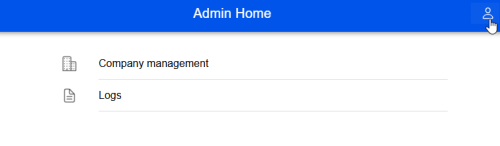
To change password after login the user menu selection will be selected at the home page.
Then action menu will be opened
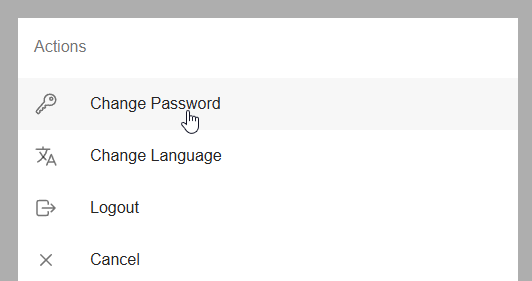
After that you can click on change password and give your password information
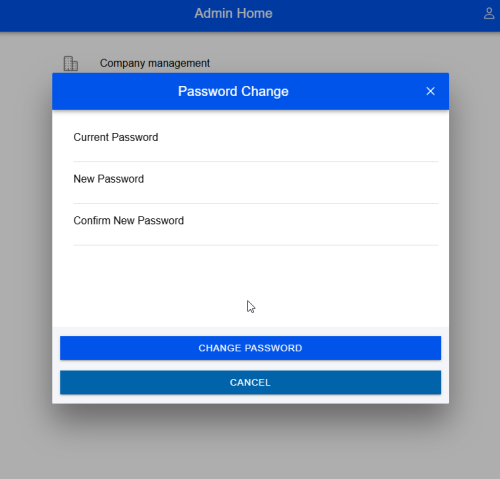
After clicking on change password you will be logout and you can start to use your new password