This is an old revision of the document!
Table of Contents
Back to Tracker Application Start Page
Company Admin Management
Department Management
Create Department
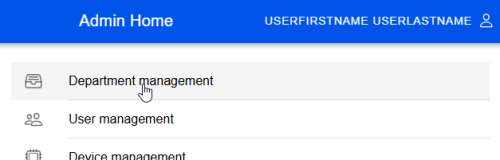
to create a department we should enter the department management via home menu
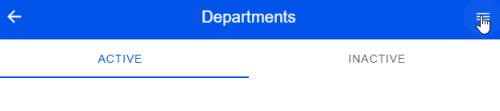
then we can open a action menu
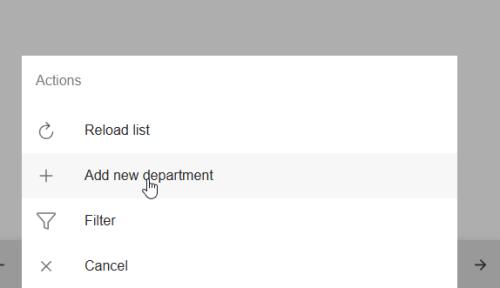
 then we can access department creation via opened actions
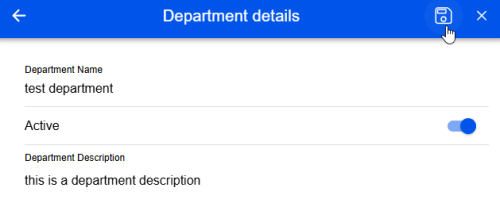
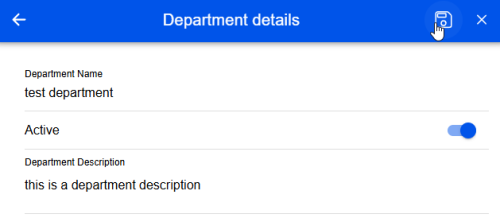
now we can enter necessary information and then save button will be activated. so we can save our new department
Edit Department
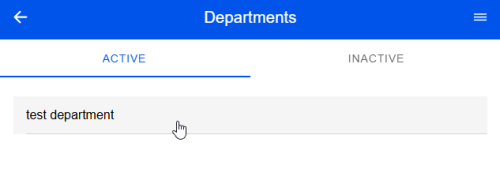
To edit department we need to access first to the department which we want do modify.
company admin home » department management » select department to modify
after selection of department we can access department editing via action buttons, which we can open via button which stays at the top right.
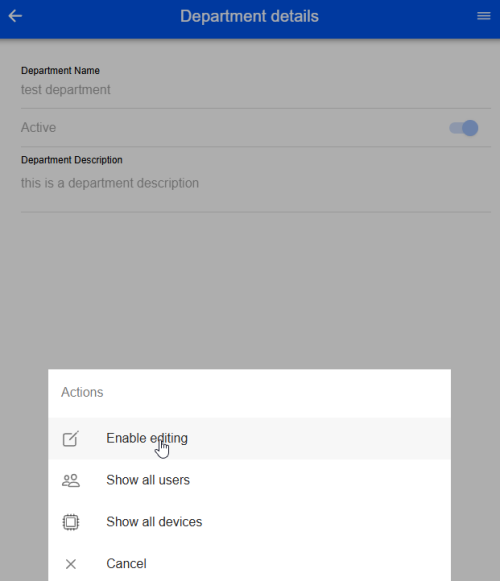
then edit mode is activated now we can do our chances and save or we can cancel via X button